MINECRAFT,
MADE SHACO.
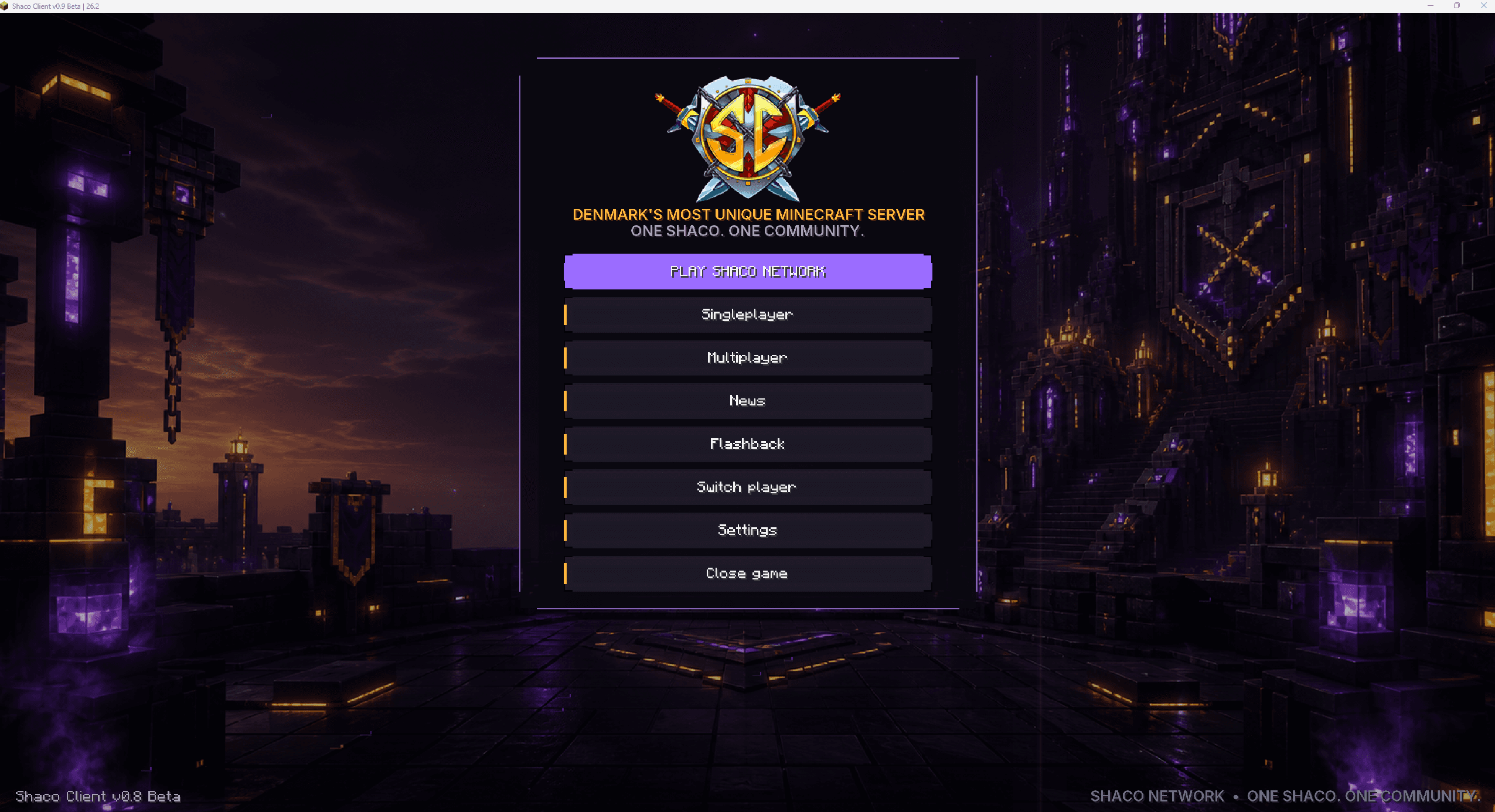
The new generation of Shaco Client brings the launcher, Social, cosmetics, rewards, performance and your personal HUD into one connected Minecraft experience.
WE ARE GETTING IT
FULLY READY.
The public installer is temporarily closed while the new launcher and Client are polished. You can explore the features now — the download button will be enabled when the release is ready.
Windows 10/11
Shaco Installer · Public access is not open yet
CHOOSE A VERSION
IN THE LAUNCHER.
Minecraft 1.21.10
Original Shaco Client experience
Minecraft 26.2
Multi-version generation
YOUR WAY INTO
SHACO.
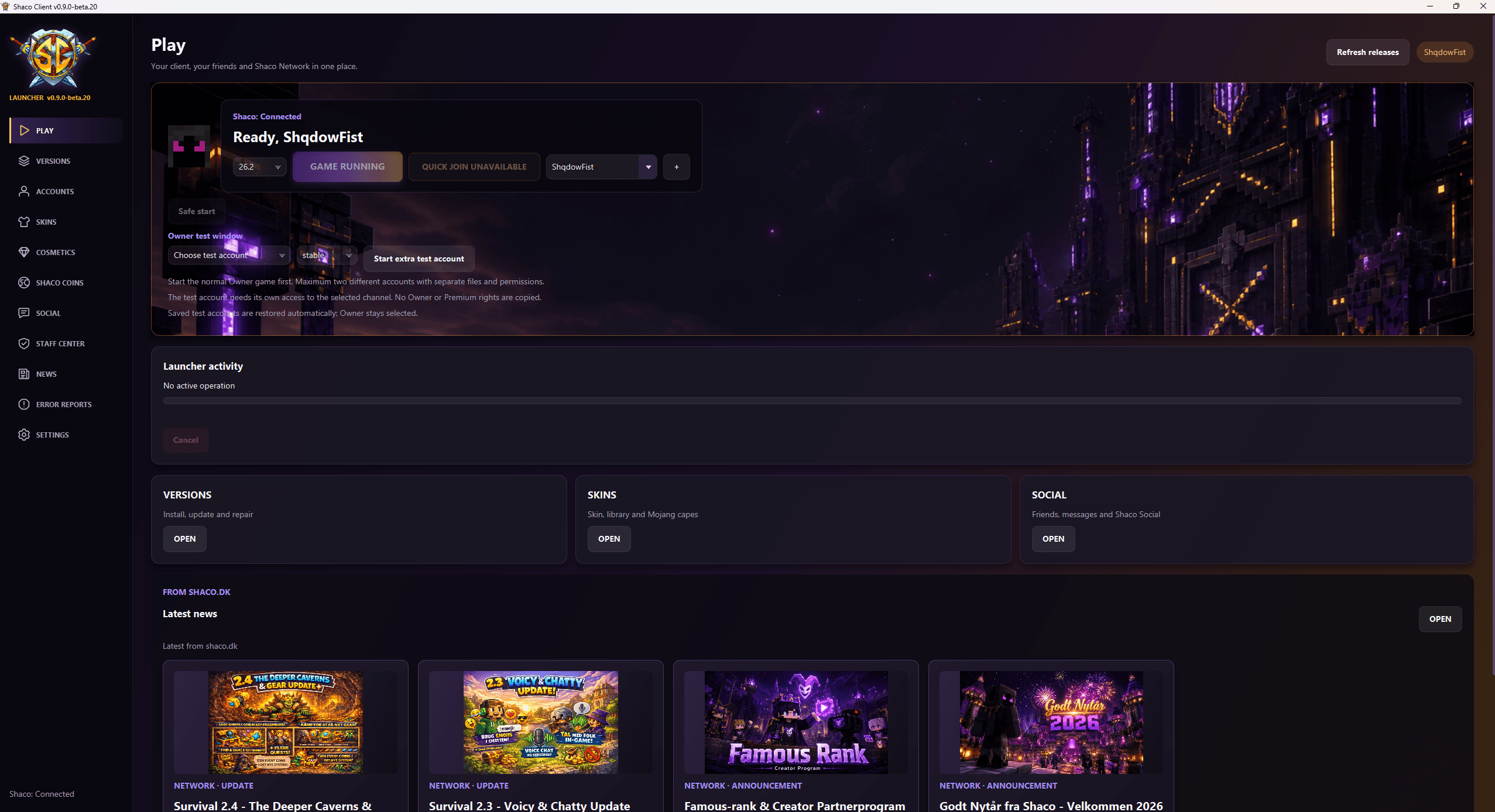
The launcher is the centre for version selection, Client releases and the start of the Shaco experience.
Launcher, news and profiles
Launch the game, switch Minecraft versions and follow the latest Shaco news from one place. The launcher keeps profiles, installations and updates organised.
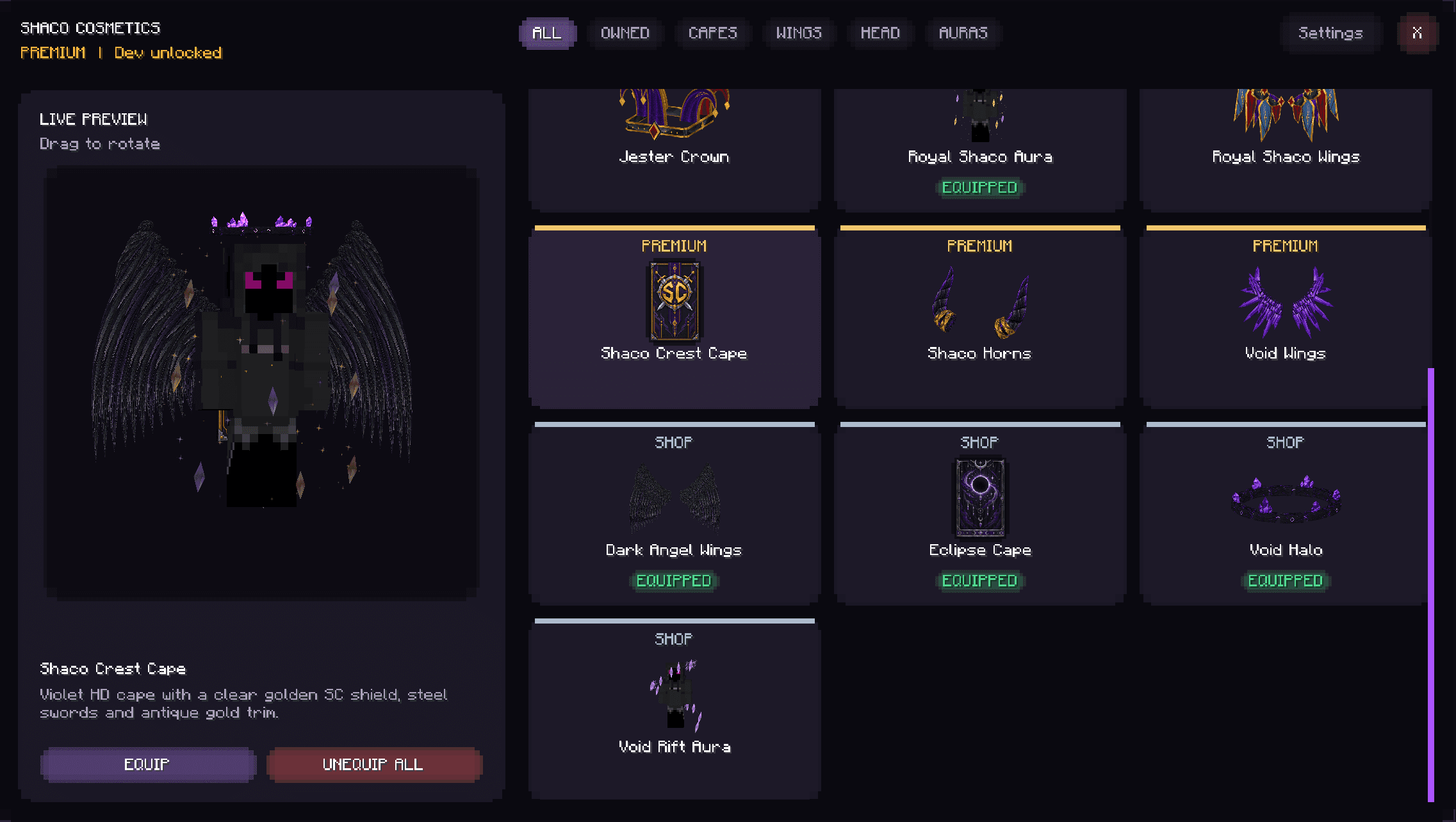
Cosmetics with live preview
Explore capes, wings, headwear and auras in a live 3D preview. See your look before equipping it and sync your active style with Shaco.
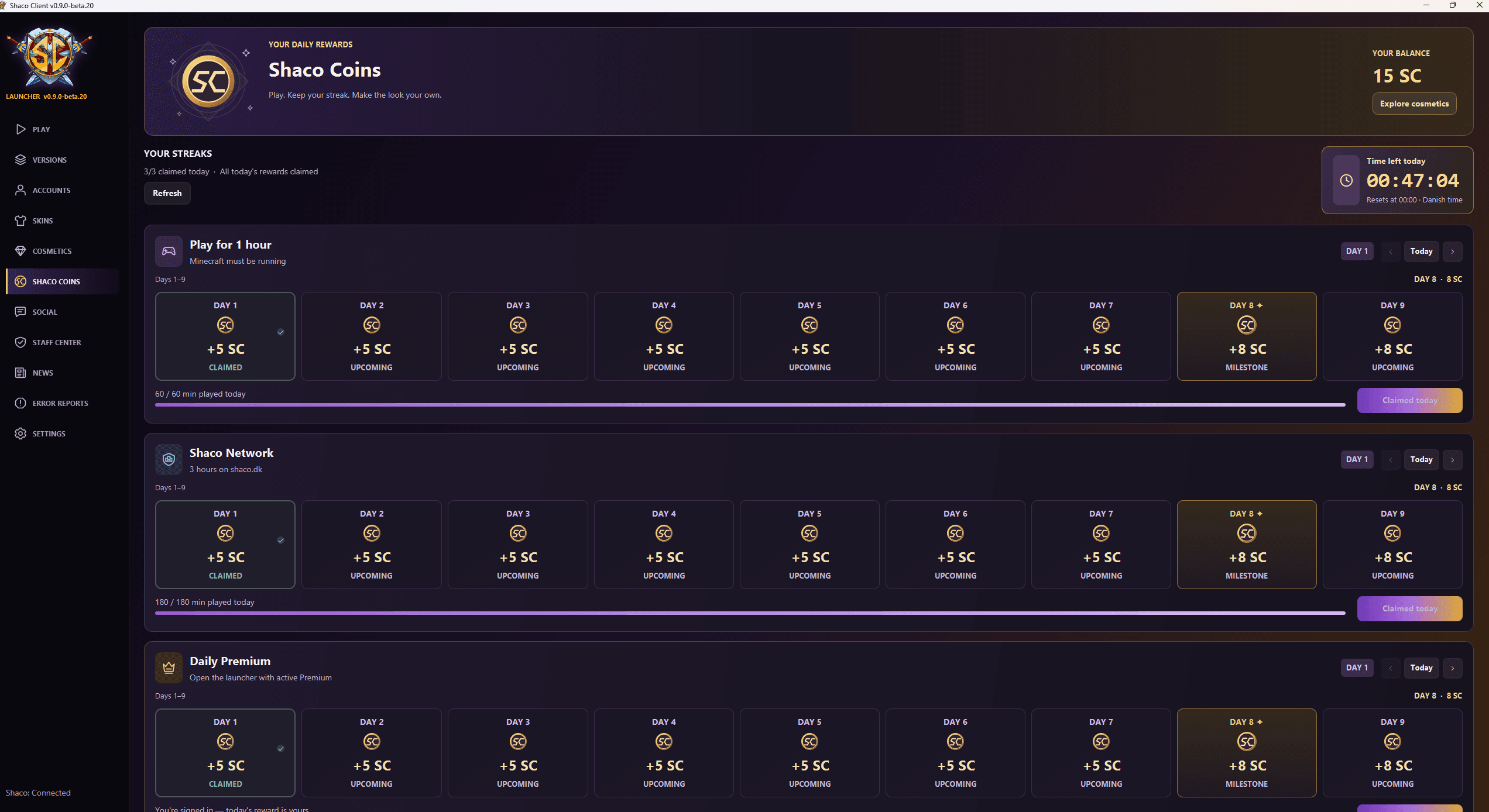
Shaco Coins and daily streaks
Earn Shaco Coins through daily activities such as playtime and activity on Shaco Network. Maintain your streak, reach milestones and spend rewards on selected cosmetics.
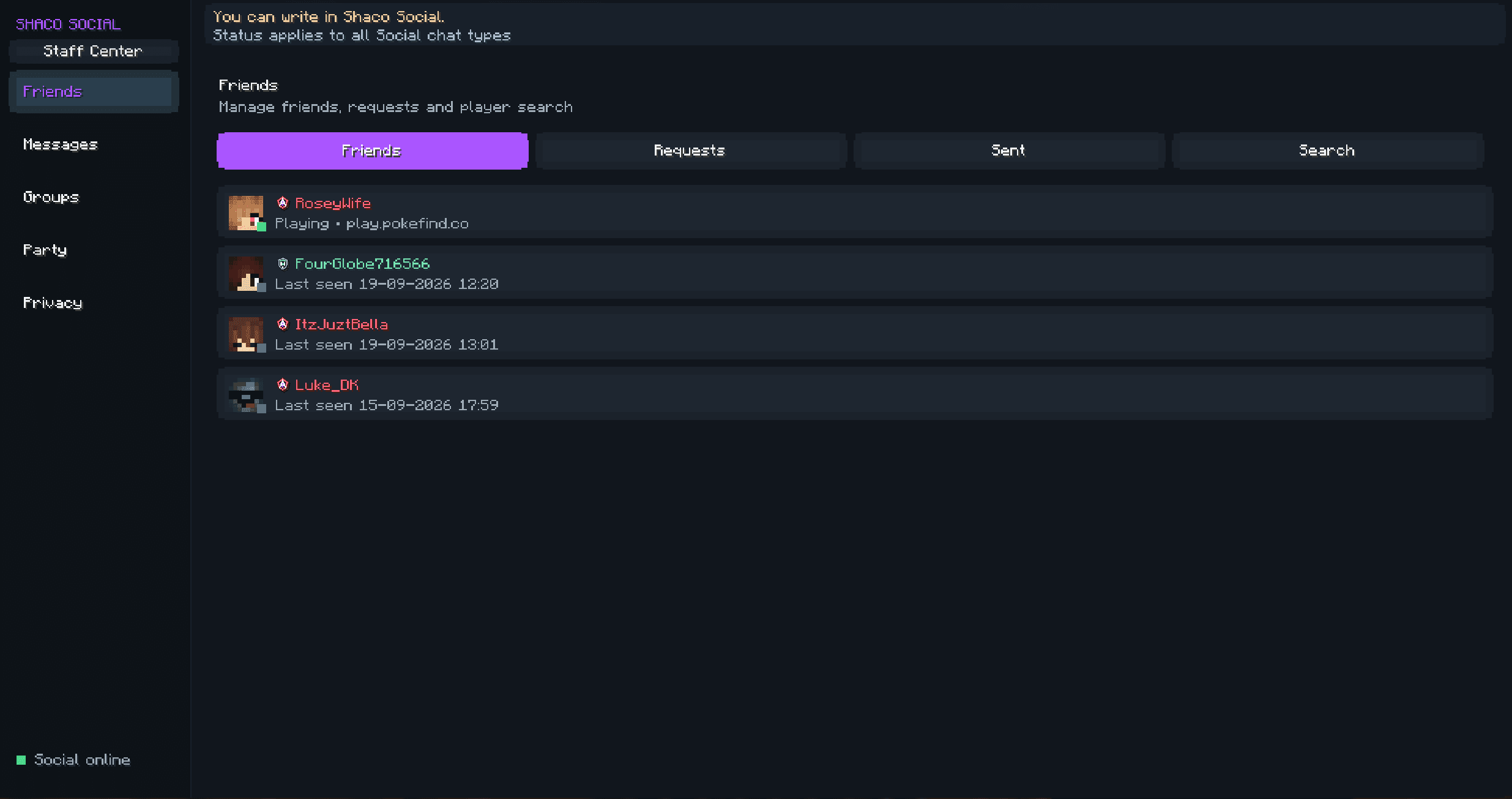
Shaco Social
Friends, messages, groups, parties and presence are built directly into the Client. Find your friends and see where they play without leaving Minecraft.
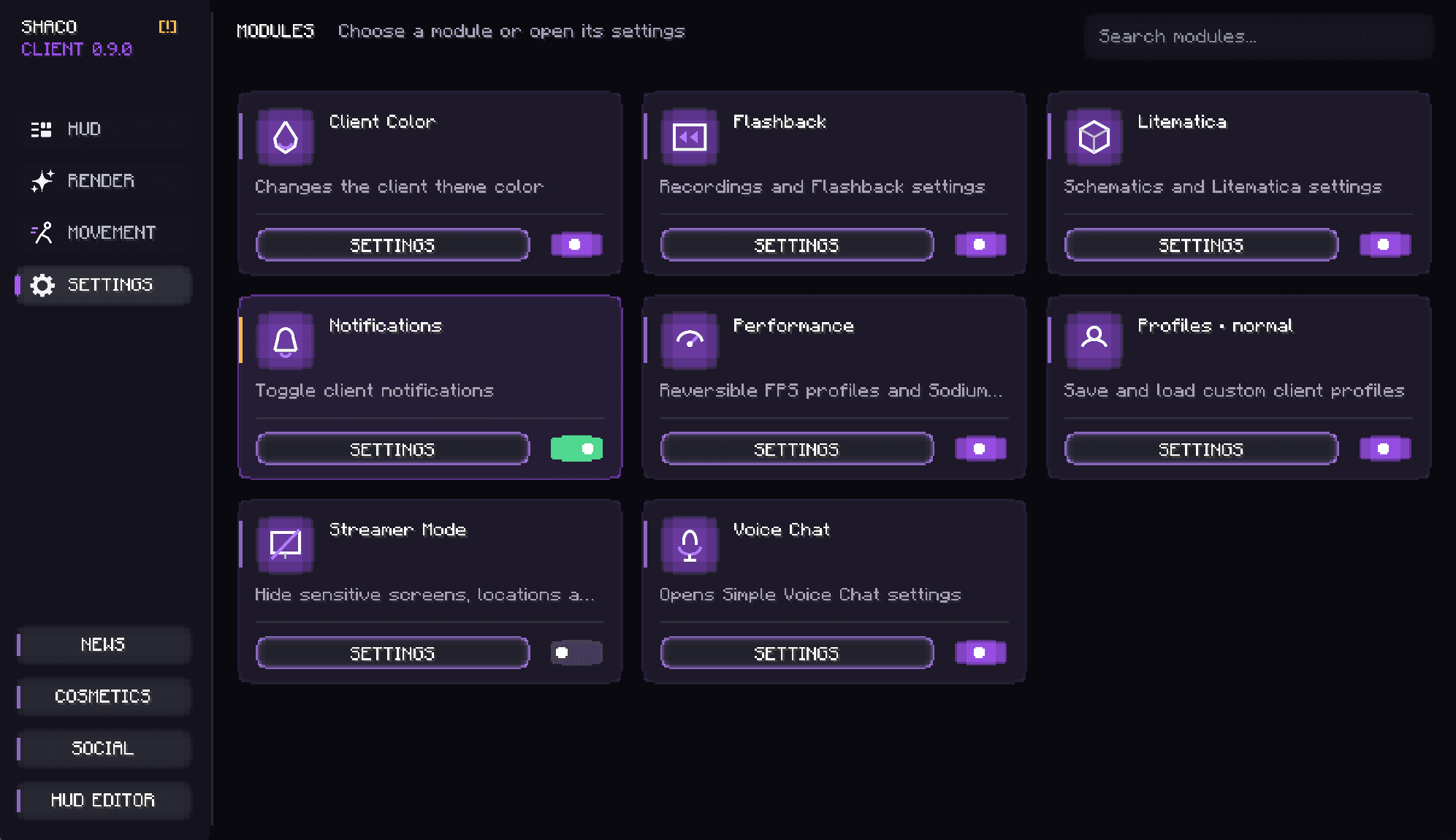
Modules and performance profiles
Manage HUD, rendering, movement and quality-of-life features in one module centre. Save profiles, tune performance and enable only the features you want.
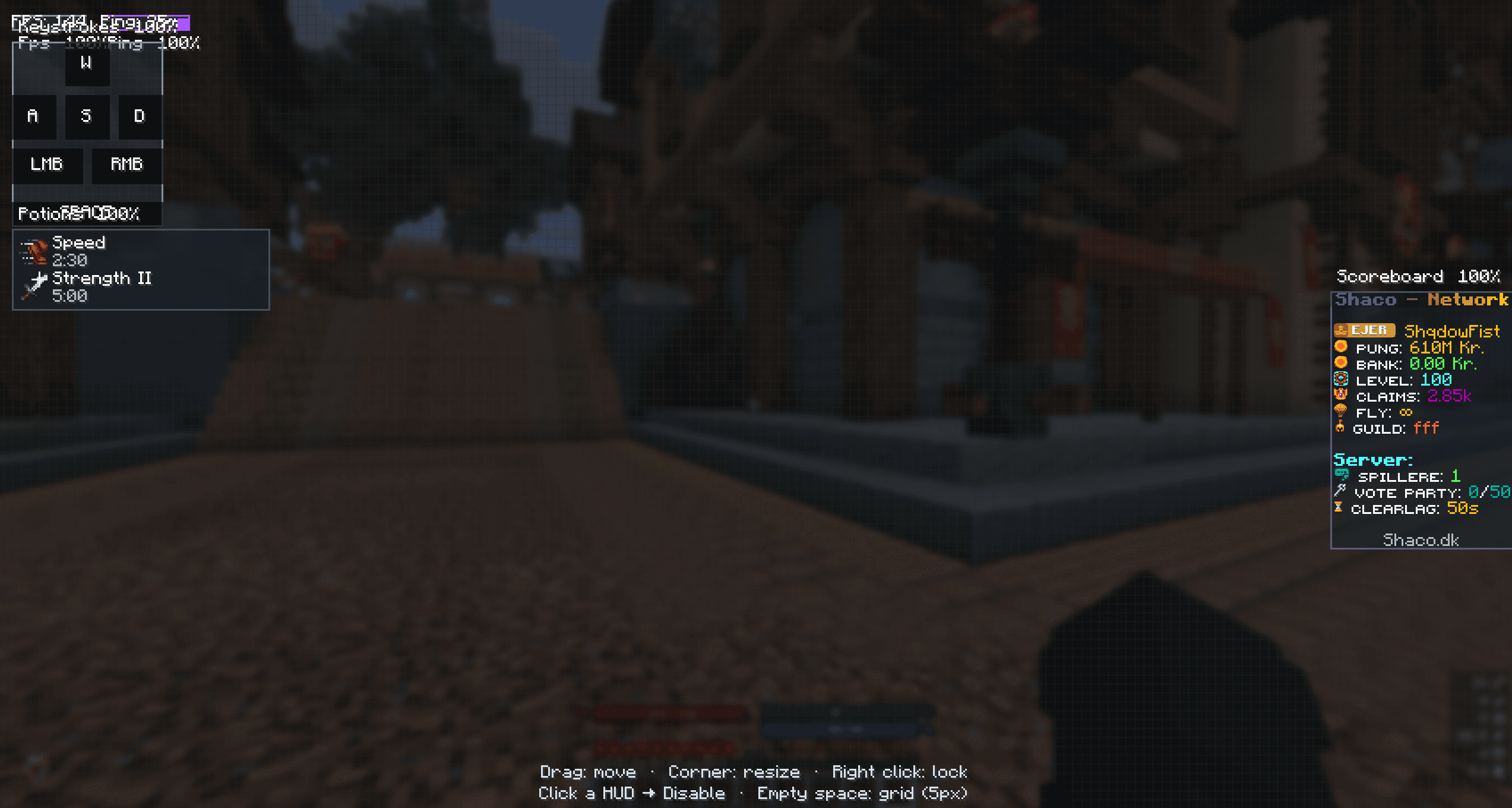
Visual HUD editor
Move, scale and lock HUD elements directly over the game. Build a layout with FPS, keystrokes, effects and scoreboard suited to your screen.
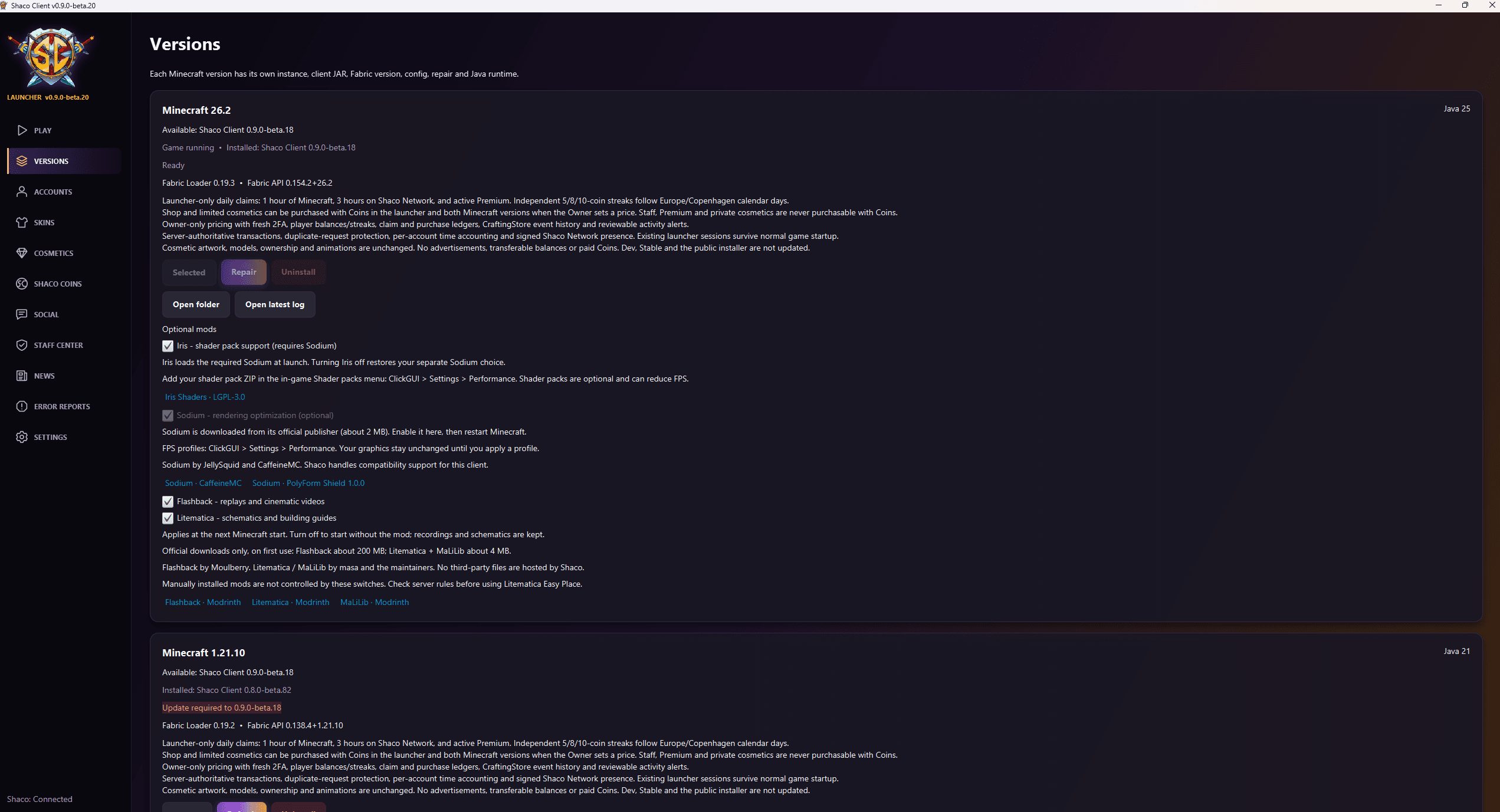
Multiple Minecraft versions
Every supported Minecraft version has its own installation, configuration and Java runtime. Switch versions in the launcher without managing separate installers.
CLIENT + NETWORK.
ONE ECOSYSTEM.
Shaco Client is not just a launcher with a logo. News, Social, Shaco Coins, cosmetics and Network presence connect into one living Shaco experience.
EXPLORE SHACO NETWORKGOOD TO KNOW.
Can I download Shaco Client now?+
Not yet. The public installer is temporarily closed while the new launcher and Client are prepared. The button will be enabled when the release is ready.
What is the status of Shaco Client?+
Shaco Client is actively being developed and tested. The screenshots show the new v0.9 generation, but features and design may still change before public release.
Will Shaco Client be free?+
The plan remains for the core Shaco Client to be free. Any Premium benefits and cosmetics will be described clearly before release.
Which Minecraft versions are supported?+
Supported Minecraft versions are shown directly from Shaco's release system and can change without a website update.
How is the Client updated?+
Launcher and Client releases are designed to be delivered through Shaco's release system, so users do not need a separate Client download for every Minecraft version.
Does it require a Minecraft account?+
Yes. You need a valid Minecraft account to play Minecraft through Shaco Client.
Can I use Shaco Client on other servers?+
Shaco Client is built around Shaco Network, but its general Client features are not tied to one server experience.
Can I choose which features are active?+
Yes. Modules, HUD elements and visual features can be enabled or disabled so you can shape the Client experience to suit you.
How do I report bugs or problems?+
Shaco Client includes a built-in report system. When public testing opens, you can submit relevant information directly from the Client.